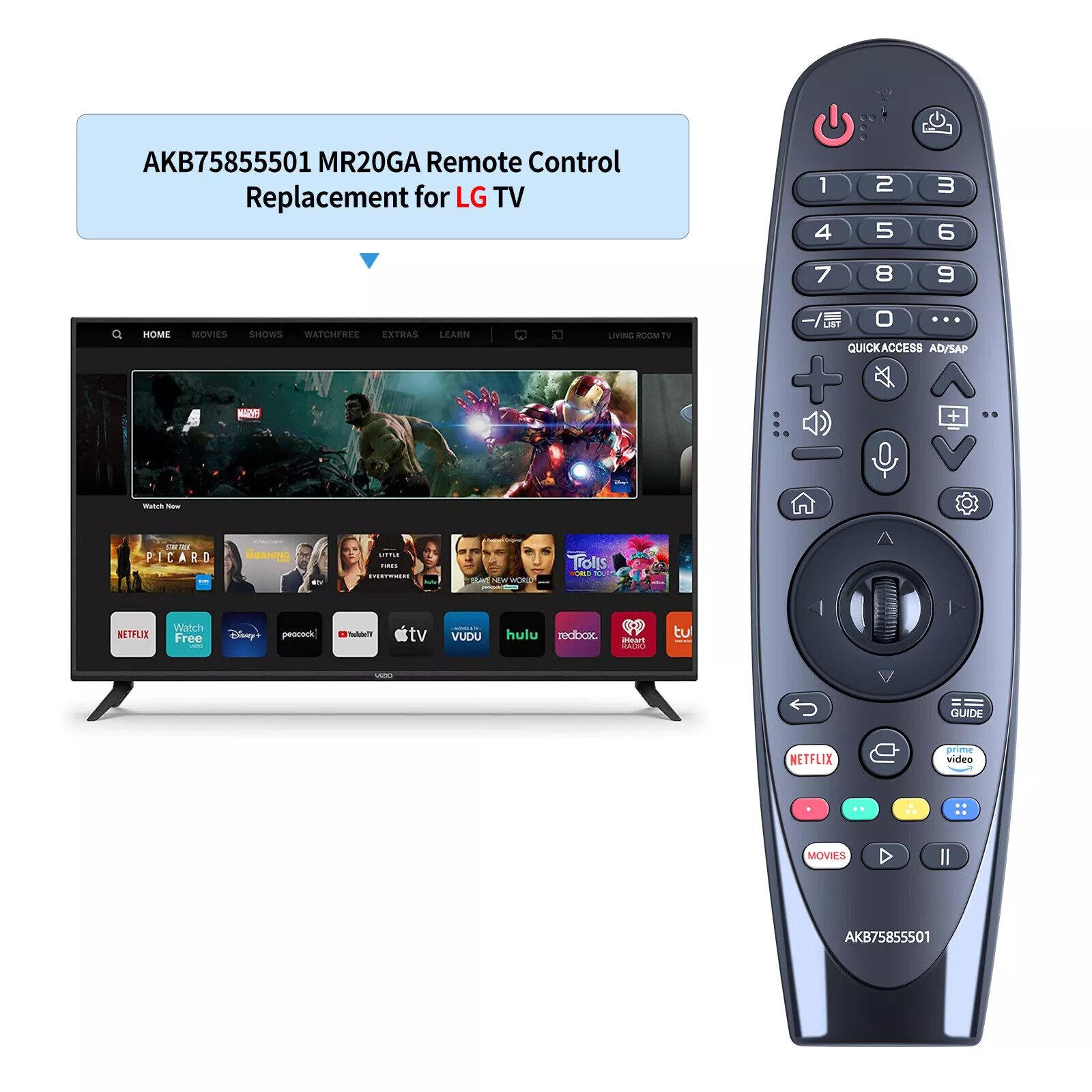
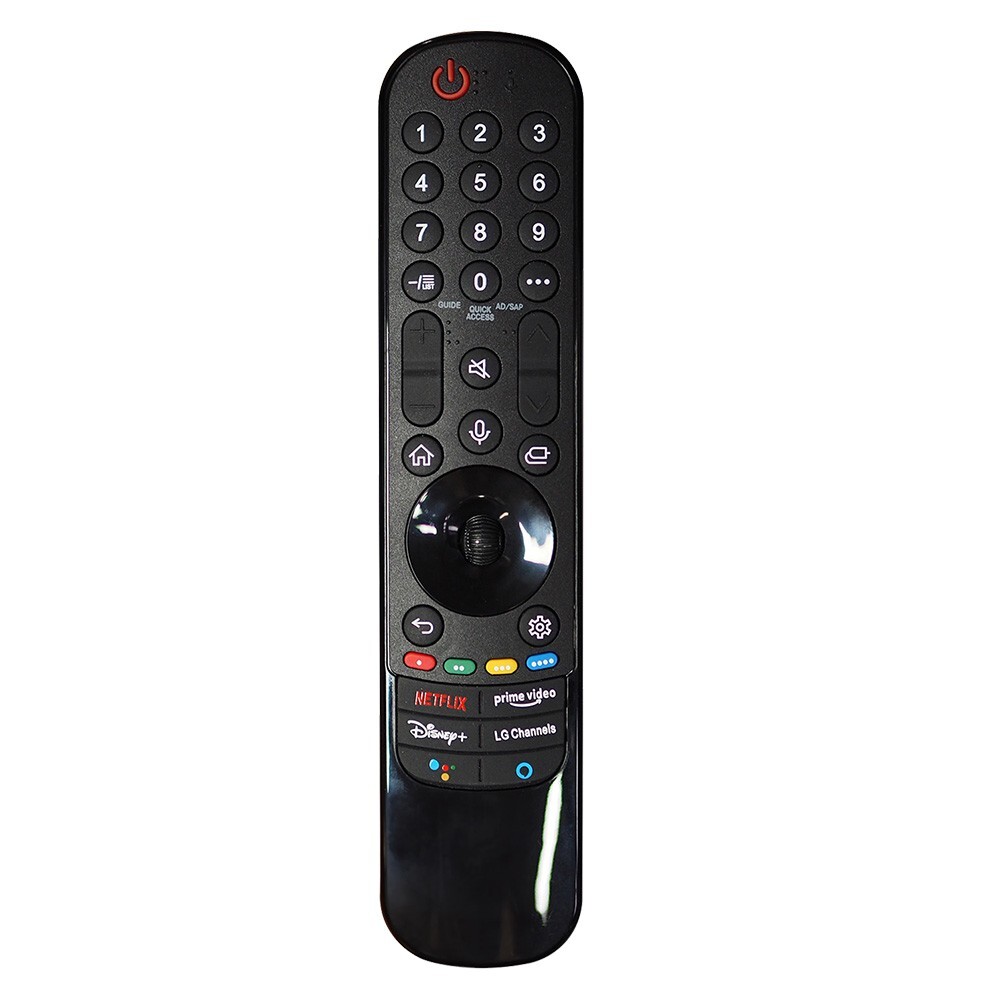
New Mr20ga Akb75855501 For Lg Magic Voice Remote
Smart Tv With Pointer Wheel
USD $17.99
Condition : New
Free Shipping
{{variant_type_name}} :

Notify me when the price drops
We will email you if we find a lower price on this product!
1. Precise Compatible TV Models: Covering Multiple Series of LG High-End Smart TVsThis remote control is specially designed for LG Magic Smart TVs, with compatible models spanning multiple high-end series including LG OLED, NanoCell, and UHD 4K. The specific compatible models are as follows:
If your TV model is not listed above, you can provide a photo of the model label to consult customer service. Confirm compatibility before placing an order to avoid incorrect purchases.2. Easy Pairing Guide: Activate in 3 Steps, Troubleshoot in SecondsNo complicated operations are required—even beginners can complete pairing quickly. You need to prepare 2 AA dry batteries in advance
⚠ Note: For a new remote control or a remote control that has been used with other LG TVs, the above pairing process must be completed before the first use; otherwise, core functions such as pointing and voice control cannot be activated.3. Supplementary Compatibility Instructions: Clear Classification for Worry-Free AdaptationTo help users quickly determine compatibility, instructions are categorized by TV technology type, covering LG’s mainstream smart TV product lines:
5. Package Contents & Usage Reminders

Price type
IN STOCK
OUT STOCK







 .
